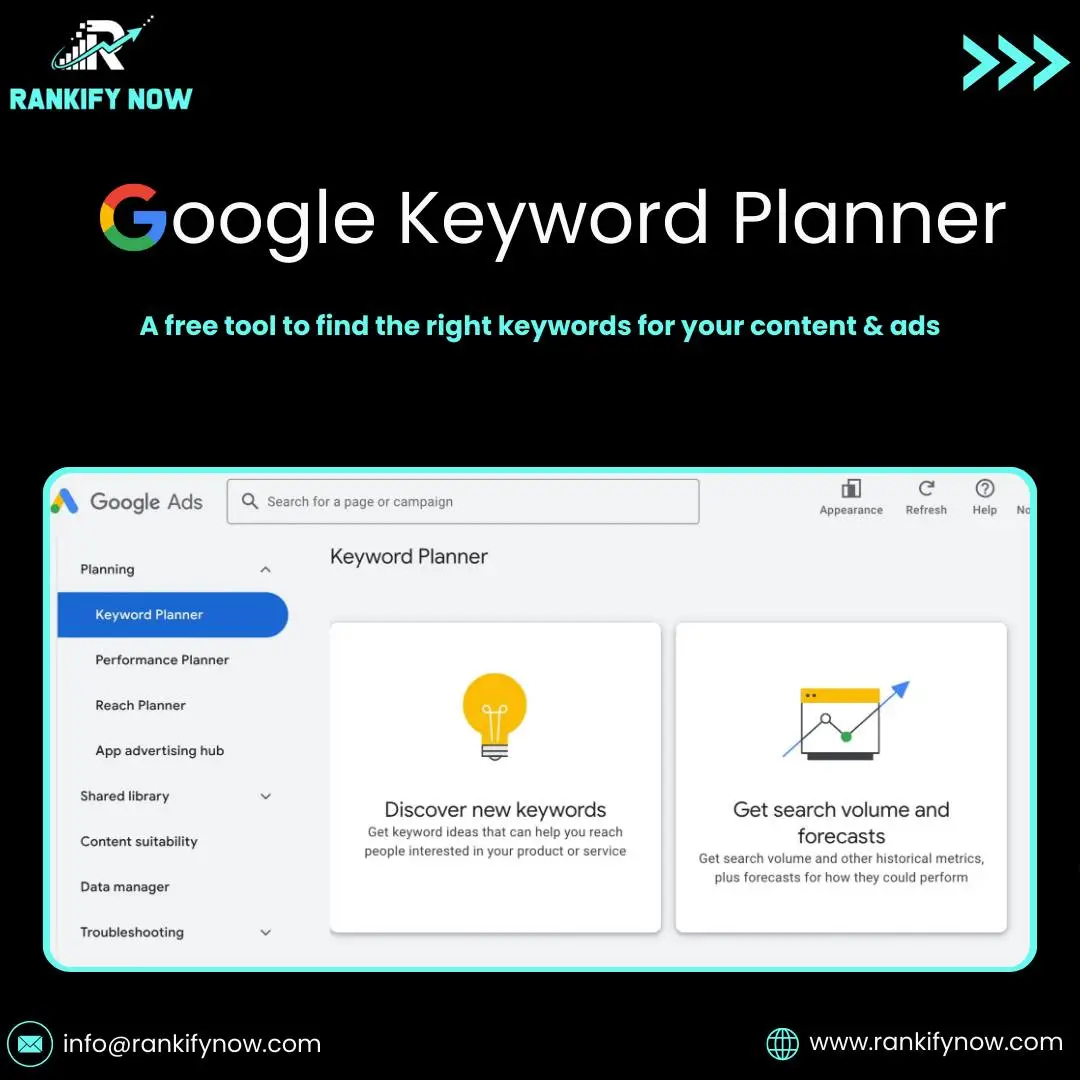
Finding the right keywords is the foundation of online success. Whether you’re writing blog posts, creating ads, or planning an SEO strategy, you need to know what people are searching for. Google Keyword Planner is a free tool that helps you discover search volume, keyword ideas, and ad cost estimates.
In this guide, you’ll learn how to set it up, use it effectively, and apply the results to your website or ad campaigns.
What is Google Keyword Planner?
Google Keyword Planner is a free tool inside Google Ads. It helps you:
Find keyword ideas
See average monthly searches
Check competition levels
Estimate cost-per-click for ads
Even if you don’t plan to run ads, you can still use it for SEO research.
How to Set Up Google Keyword Planner
Step 1: Go to Google Ads
Step 2: Sign in with your Google account
Step 3: Create a free account (no need to run ads)
Step 4: Click on “Tools & Settings” and select “Keyword Planner”
Now you’re ready to start.
How to Use Google Keyword Planner
1. Discover New Keywords
Enter a word or website to get keyword ideas. Example: Type “coffee shop” to see related searches.
2. Check Search Volume
Look at the monthly search range. This helps you know if a keyword is popular.
3. Review Competition
Keywords are marked as Low, Medium, or High competition. For beginners, aim for low to medium competition.
4. Get Forecasts
See how many clicks and impressions your keyword might get if you run ads.
Benefits of Using Google Keyword Planner
Free to use: No cost for keyword research
Accurate data: Direct from Google’s database
Great for ads: Helps plan cost and performance
SEO insights: Use it for blog topics and website optimization
Tips to Get Better Results
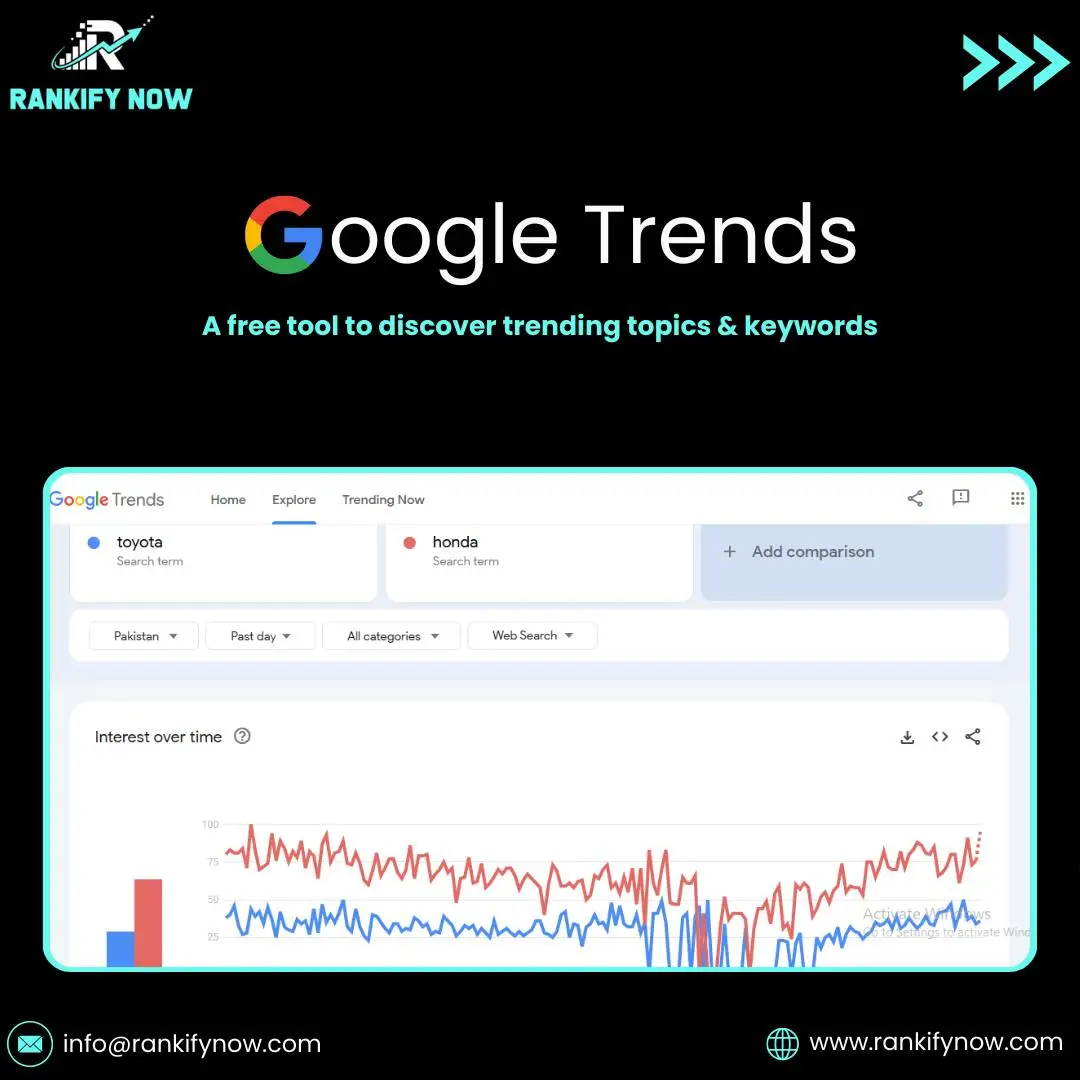
Combine with tools like Google Trends for seasonality
Focus on long-tail keywords (3–4 words)
Export keyword lists and group them by topic
Always check search intent before choosing a keyword
Key Takeaways
Google Keyword Planner is a free keyword research tool
You need a Google Ads account to access it, but ads are not required
It helps with search volume, competition, and keyword ideas
Best used for both SEO and PPC campaigns
FAQs
Do I need to pay to use Google Keyword Planner?
No, it’s completely free. You just need a Google Ads account.
Can I use Google Keyword Planner without running ads?
Yes. You can use the tool without spending money on ads.
Is Google Keyword Planner good for SEO?
Yes, many SEO professionals use it to find keyword ideas and check search volume.
Quicklinks to Internal Pages
Boost Your SEO with Smarter Keyword Research
Want help choosing the right keywords for your business? Our team uses Google Keyword Planner along with advanced tools to create winning SEO and PPC strategies. Contact us today to start ranking higher and reaching more customers.